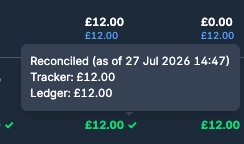
Automated accrual expenses for Briefcase Ledger
Briefcase Ledger now suggests month-end accruals for recurring expenses, ready for you to review and post.
Automated accrual expenses for Briefcase Ledger
Briefcase Ledger now suggests month-end accruals for recurring expenses, ready for you to review and post. Nothing is posted to your ledger until you do.
Upload invoices as usual. Briefcase analyses your recurring expenses and, at month end, identifies where an expected invoice hasn’t arrived. For each missing invoice, Briefcase creates an accrual suggestion.
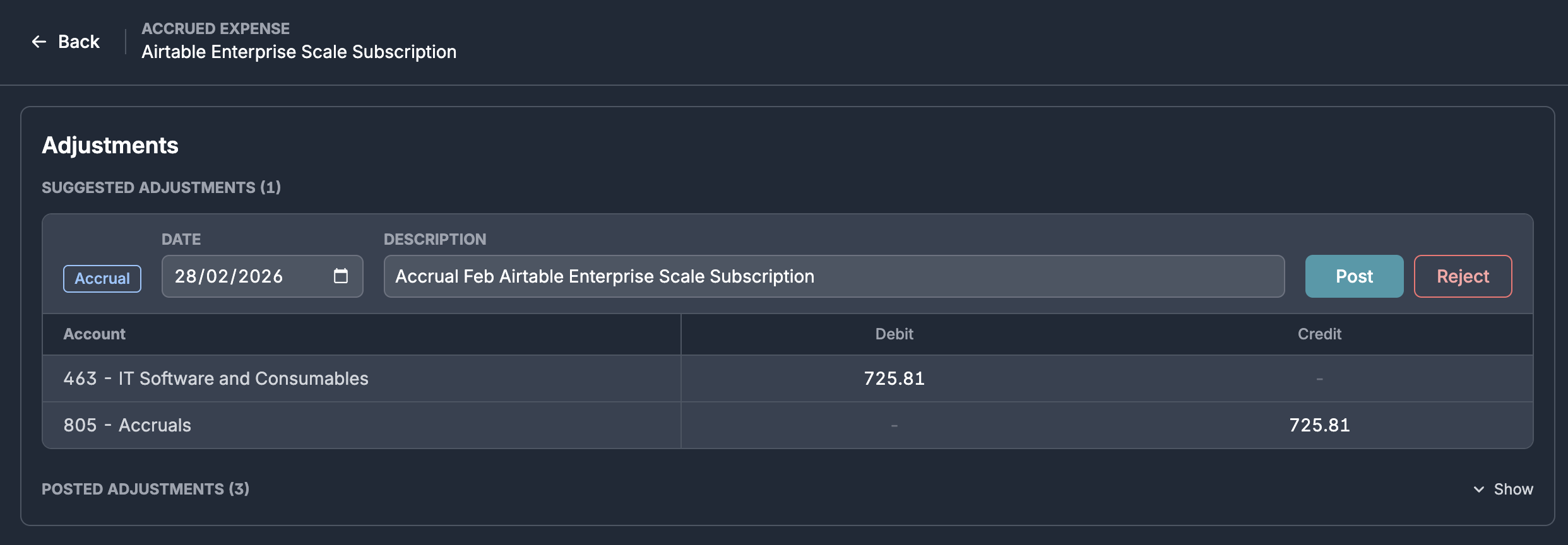
Accruals are only suggested when they exceed your materiality threshold, which you can configure in Business Settings (£250 by default).
When you later upload an invoice that matches an existing accrual, Briefcase will automatically suggest a reversal.
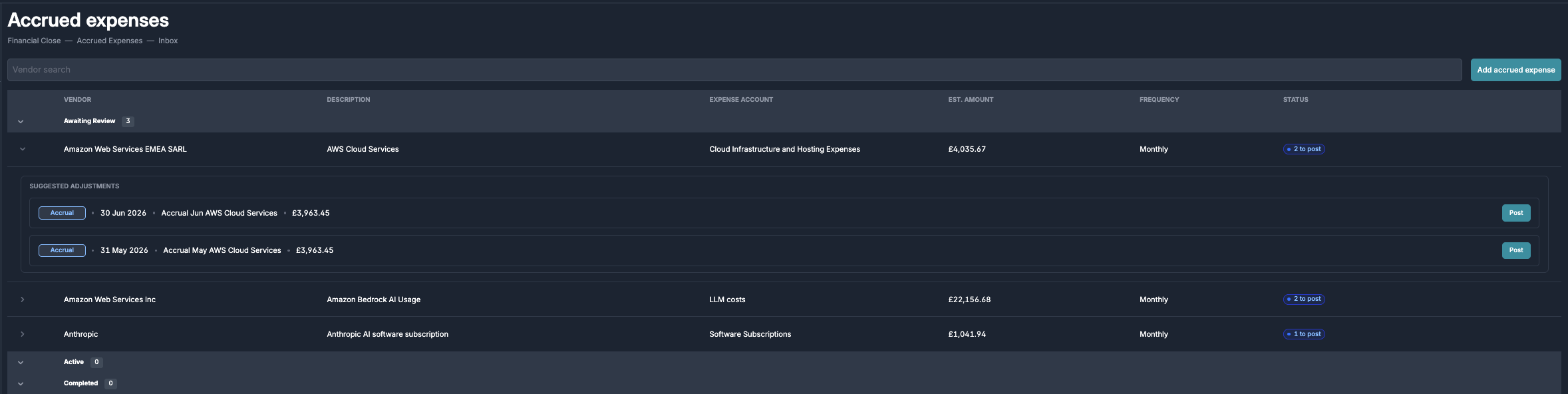
You can review all accrual and reversal suggestions in Accrued expenses → Inbox. You can also create a manual accrual from this page by clicking Add accrued expense.
Use the Accrued expenses tracker to view all accruals in one place, reconciled against the accruals account in your ledger. Any difference between the tracker and your ledger balance is automatically flagged.