All Updates
Update
Bulk import prepayments
Import multiple prepayments at once by uploading a CSV. Briefcase validates every row, flags errors, and creates each prepayment ready for review.
Bulk import prepayments
You can now bulk import prepayments via CSV. Go to the Prepayments Inbox, click the dropdown next to "Add prepayment", and select "Bulk import":
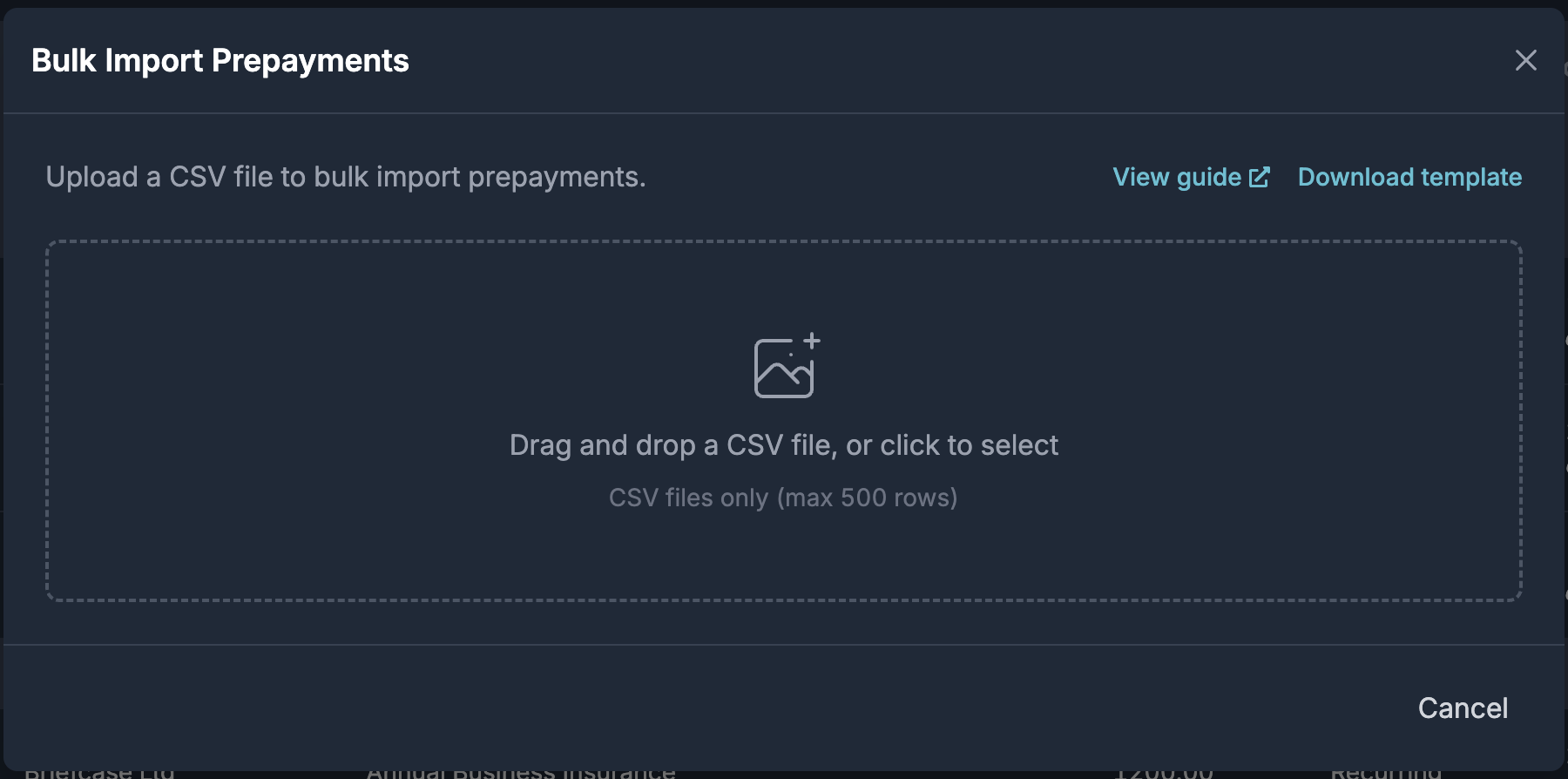
Click "View guide" or visit the support article to learn how to format the CSV.
Drag and drop or click to upload your CSV. Briefcase validates the file and flags any errors row by row. Once every row is valid, click "Import x rows" to start processing.
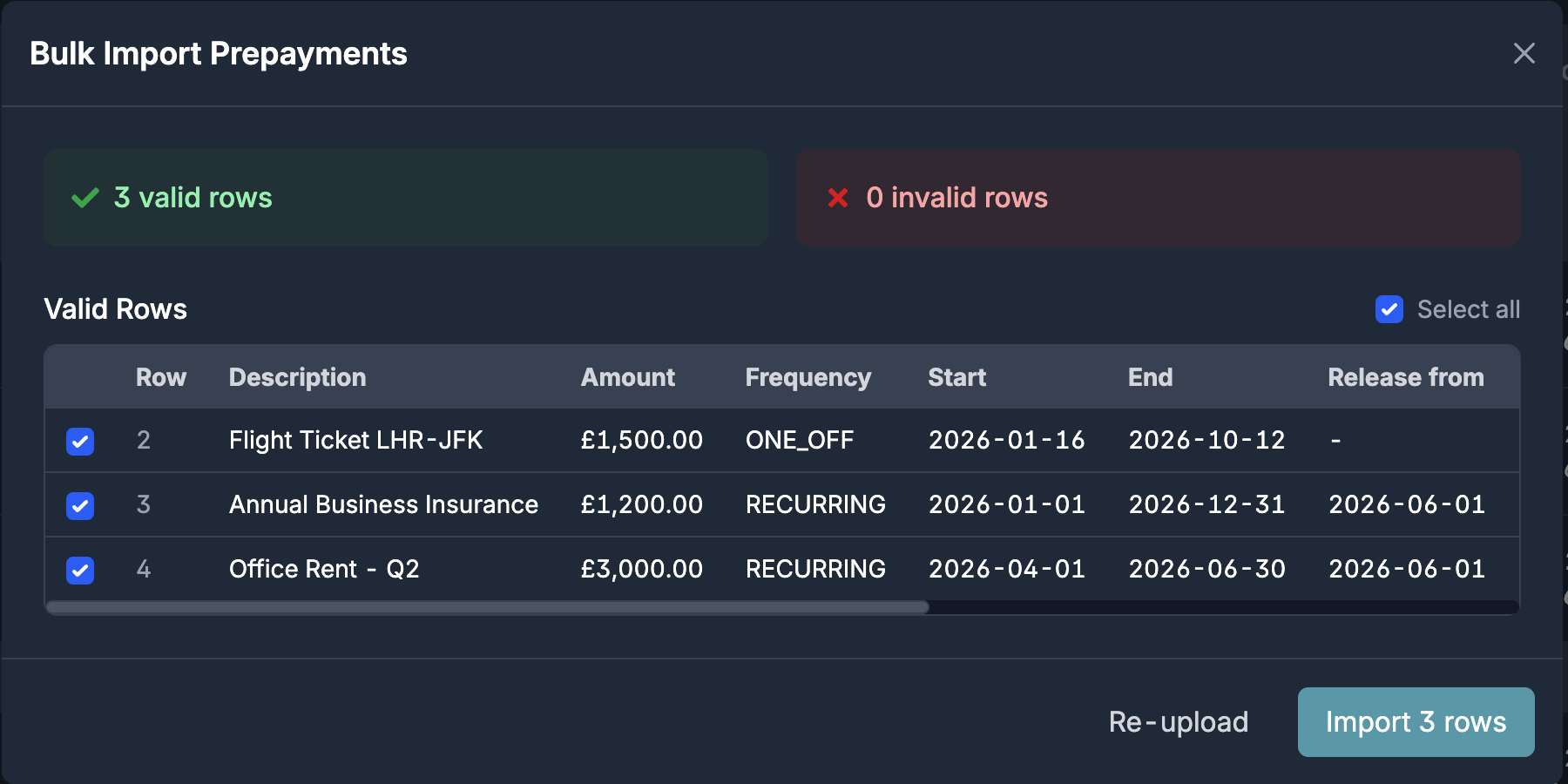
Briefcase processes each row and creates a prepayment, which then appears in the "Awaiting review" section. From there, publish as normal.