Bank statement duplicate detection and configurable posting destination
Automatically detect and archive duplicate bank statement uploads, and configure where unmatched receipts and invoices are posted in BriefcaseOne.
Bank statement duplicate detection
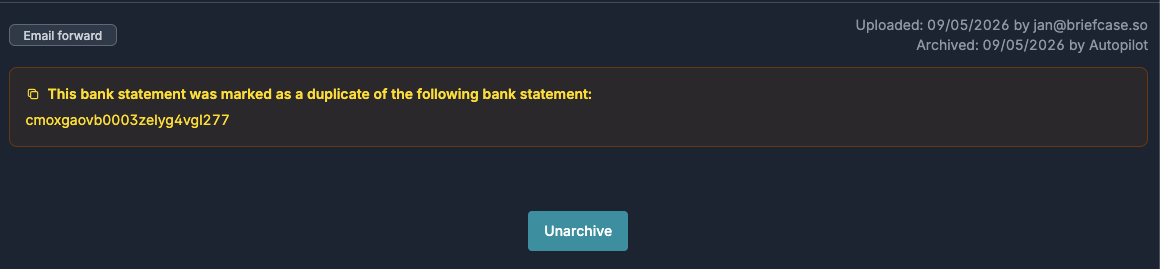
When a bank statement is uploaded to Briefcase via any upload method (email, WhatsApp, web) we now also extract the account number.

Account number together with additional extracted statement data is then used to compare the upload against previously processed statements, and flag it as a duplicate if it matches. Duplicates are automatically archived with a reference to the original.
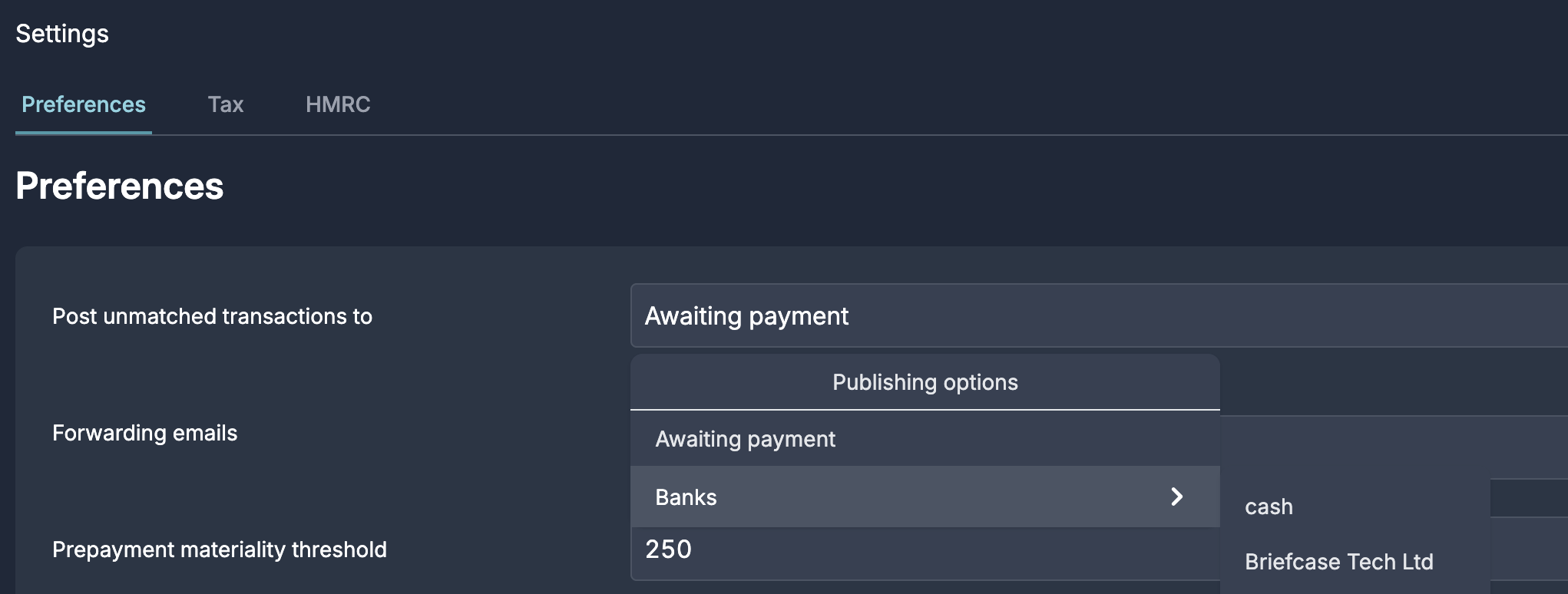
Configurable posting destination for unmatched transactions in BriefcaseOne
By default, Briefcase matches uploaded receipts and invoices against bank transactions. If no matching bank transaction is found, the receipt/invoice is auto-posted to Awaiting payment. You can now configure Briefcase to auto-post directly to a bank account instead, under Business settings.