HMRC quarterly submissions
Submit quarterly updates to HMRC directly from BriefcaseOne. Connect your HMRC account, review cumulative profit and loss, and file in a few clicks.
Connect to HMRC
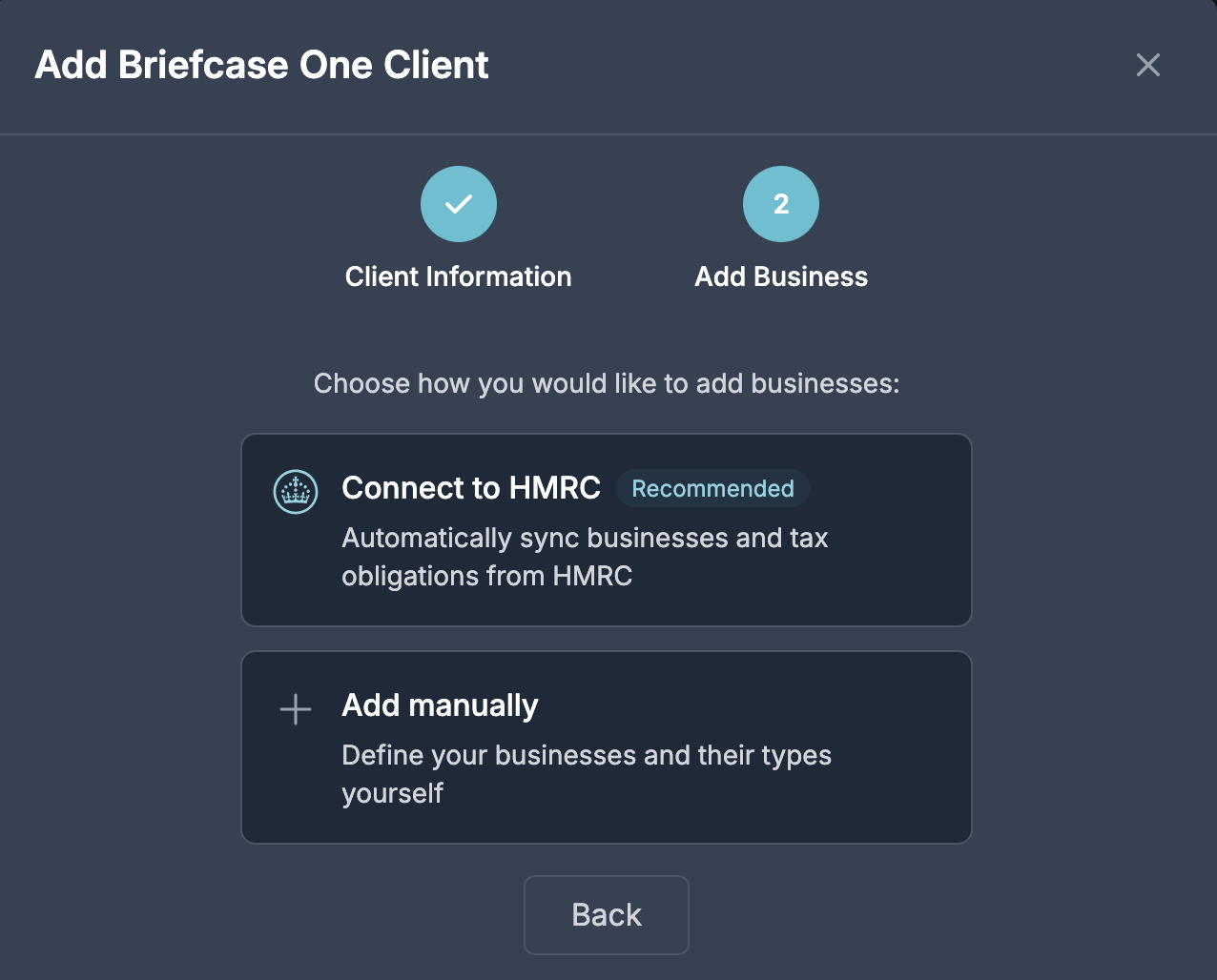
Link your HMRC account from Business Settings or during client onboarding. Briefcase syncs your businesses, obligations, and quarterly period type automatically.
When adding a new BriefcaseOne client, step two now offers two options: connect to HMRC (recommended) or add businesses manually. Connecting via HMRC pulls in your registered businesses and accounting periods so you don't have to enter them by hand.
Quarterly submission workflow
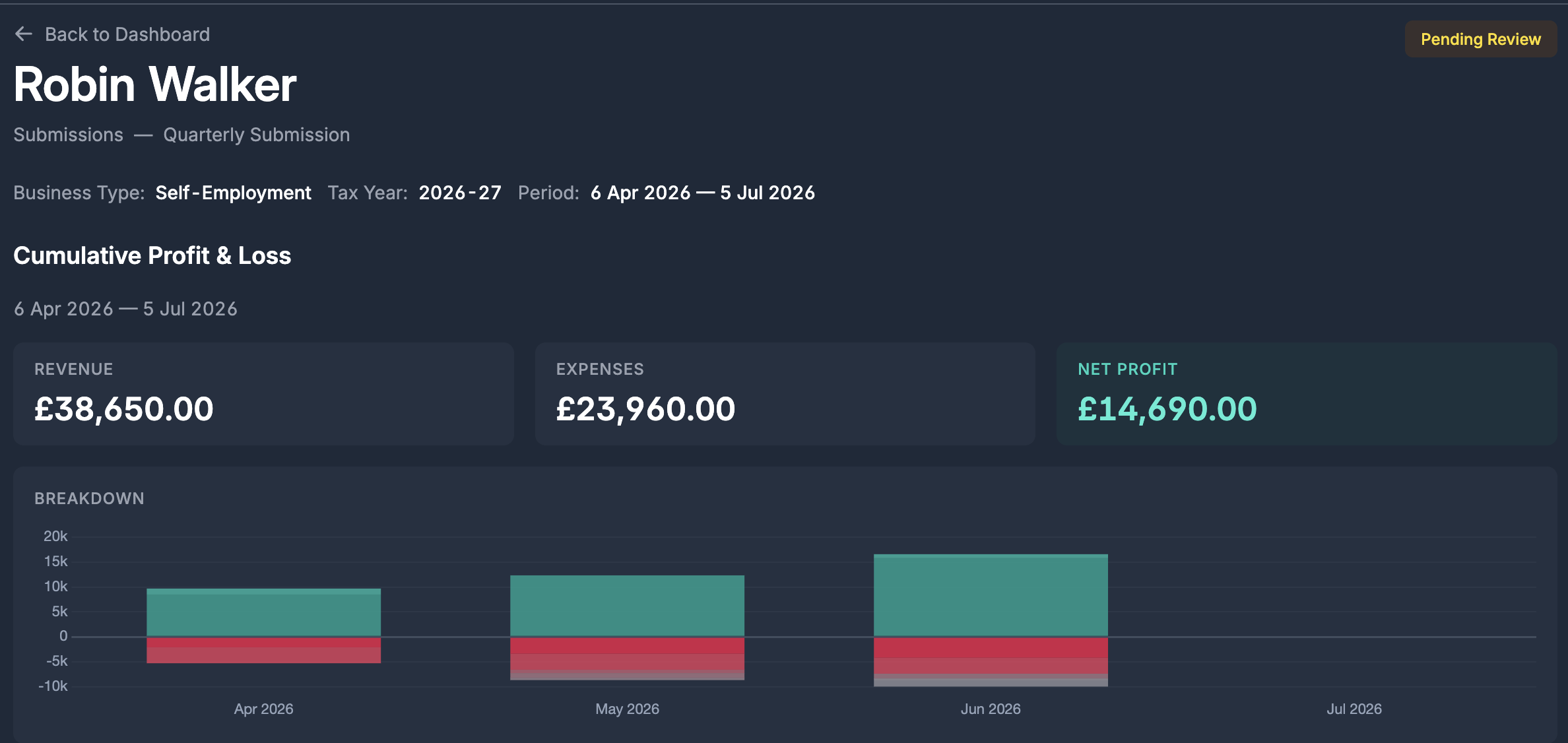
Open the MTD ITSA page from the sidebar to see your quarterly obligations for the current tax year. Each obligation shows its due date, status, and business.
Click into an obligation to see:
- Cumulative profit and loss - revenue, expenses, and net profit from the start of the tax year through the end of the quarter
- Account-level detail - every ledger account with its running total
- HMRC submission categories - income and expenses grouped by the categories submitted to HMRC
- Submit to HMRC - sends the cumulative period summary to HMRC and marks the obligation as fulfilled
Submission permissions
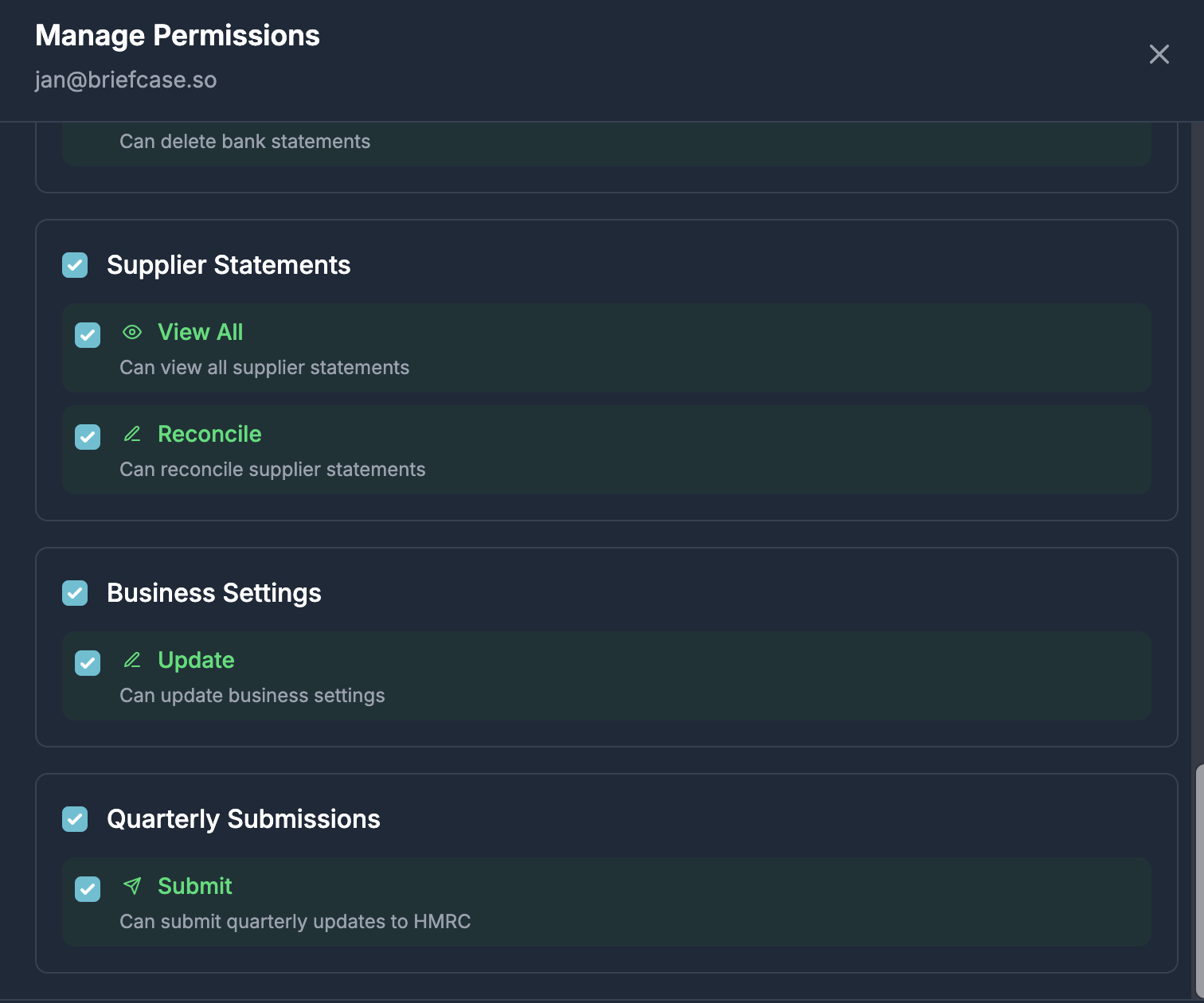
A new permission, Quarterly Submissions → Submit, controls who can file quarterly updates. Granted to all admins by default, manageable per user from Organisation Settings.
Users without this permission can view obligation data but cannot submit.