Introducing Briefcase One
Today, we’re launching Briefcase One: a standalone MTD platform for sole traders and landlords. A full ledger with automated reconciliation and document capture, powered by the same AI Autopilot that already processes millions of documents for accounting firms across the UK.
Introducing Briefcase One
Today, we’re launching Briefcase One: a standalone MTD platform for sole traders and landlords. A full ledger with automated reconciliation and document capture, powered by the same AI Autopilot that already processes millions of documents for accounting firms across the UK.
How Briefcase One Works
Set up a new client in under a minute
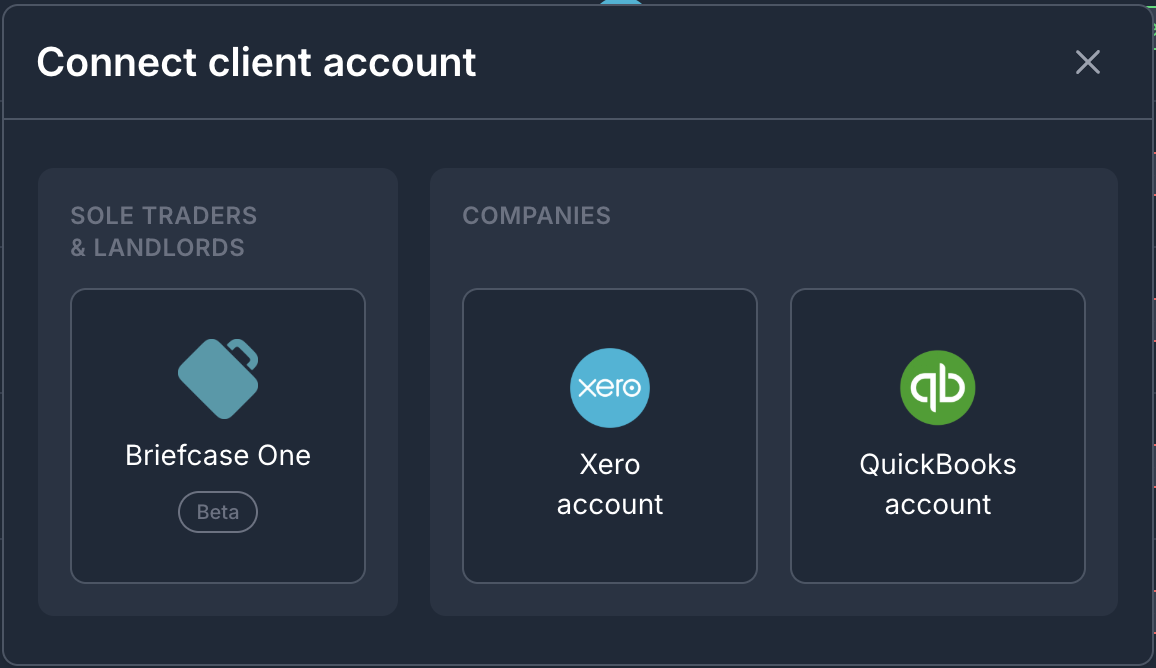
Click ‘Add client’ on your dashboard and select Briefcase One as your ledger.
Enter their name and National Insurance number, then add their income sources: sole trade, UK property, foreign property, or any combination. Multiple businesses sit under a single licence.
The platform generates a chart of accounts mapped to HMRC submission categories for each business. Every account in the ledger is linked to the relevant box at filing time.
Connect the bank
- Click ‘add bank’ to create a bank account
- Upload your bank statements - Briefcase will extract all the transactions
- Assign transactions to the bank account to trigger processing: supplier extraction, categorisation, tax rate assignment and learning.

Capture documents
Clients can send documents via WhatsApp, email or web.
For clients with multiple businesses, they can choose which business to send the document to when uploading it (or use a different Briefcase email address - each unique to the business). This ensures each document is routed to the right income source.
AI reconciliation
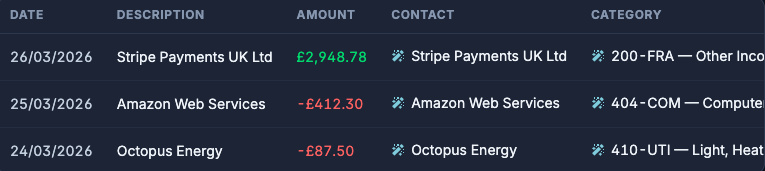
Every bank transaction flows into a single inbox. As transactions arrive, Autopilot simultaneously looks for matching invoices and suggests coding. You will see each transaction with either a suggested match or a suggested category, ready to review. Briefcase learns what you typically cash code and what matches against a document.
Document processing
The workflow at a document level is simple. When documents arrive, Autopilot reads them and extracts the supplier, line items, amounts, tax rates and account codes. It detects whether it’s an invoice, receipt or credit note. It handles multi-page PDFs, foreign currencies and VAT validation against HMRC records.
Before anything touches the ledger, Autopilot runs four verification checks on every transaction.

The first three, legibility, completeness and consistency, are the same checks that power AI Autopilot across all Briefcase integrations.
The fourth is new to Briefcase One: match pairs the invoice against the corresponding bank transaction, so reconciliation happens automatically as part of the same workflow.
If all four pass, the transaction is autopublished to the ledger. If the first three pass but no bank match is found, it publishes to accounts payable. If any of the first three fail, it stays in your inbox for review.
The platform learns
Every transaction you approve or correct makes the next one more accurate. Briefcase One builds a model of each client’s suppliers, spending patterns, and coding preferences, so quarter two is faster than quarter one.
If you edit a transaction, similar ones are less likely to be autopublished in future. If you consistently approve them without changes, confidence grows. No manual training or supplier rules required.
Reporting
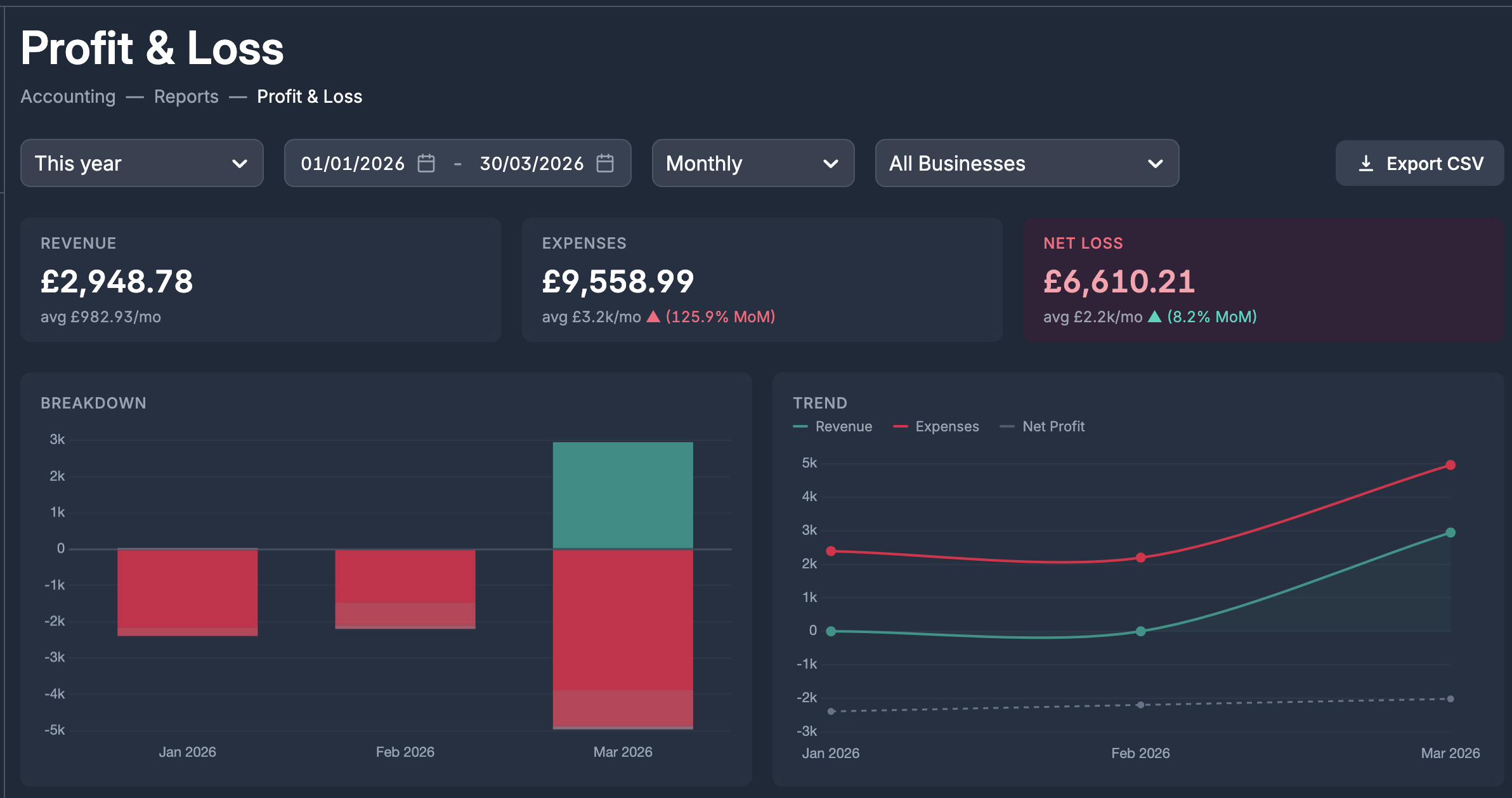
Briefcase One includes fully fledged P&L and balance sheet reports that visualise client finances.
What’s next?
We’re adding real-time bank feeds (you can already upload bank statements) and HMRC submissions shortly.
Briefcase One is currently in beta and we’d love your feedback - let us know what you think!